
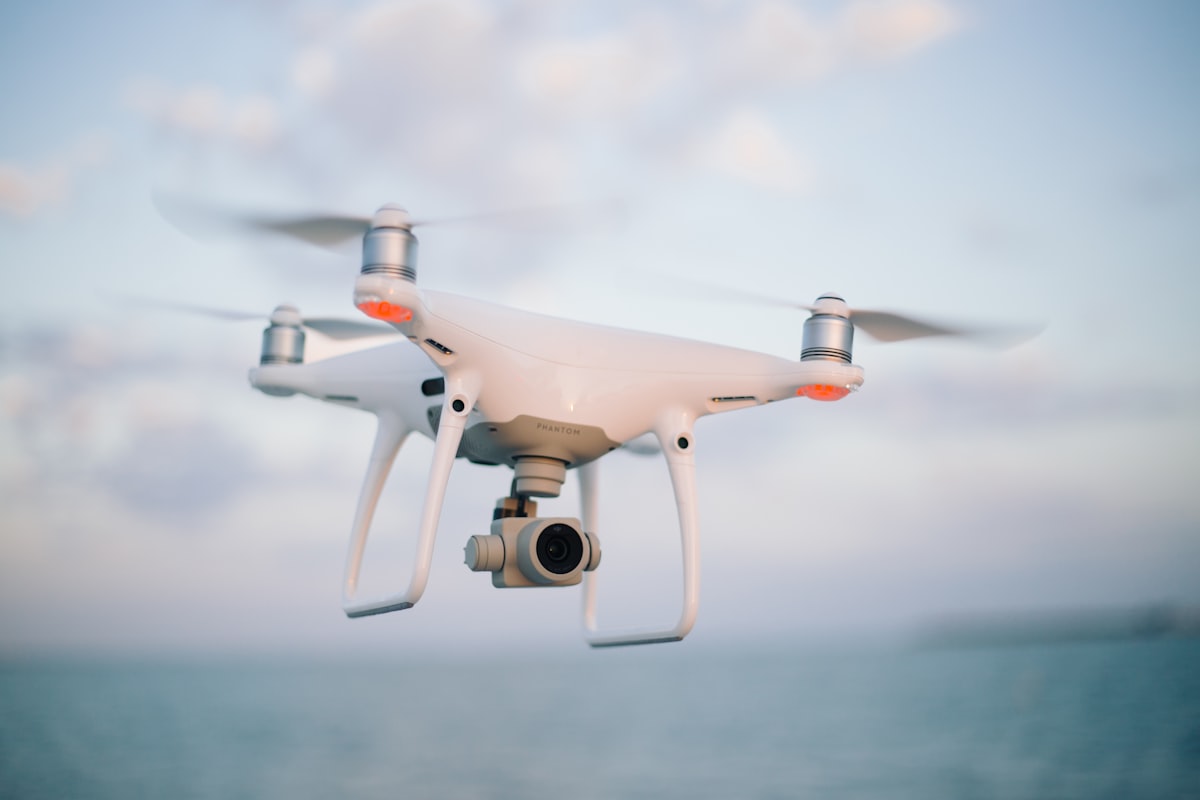
A well-maintained drone is a reliable drone. Whether you are a hobbyist capturing weekend landscapes or a commercial operator logging hours for inspection work, following a consistent maintenance routine will extend the life of your aircraft, reduce costly repairs, and — most importantly — keep your flights safe. Here are ten essential maintenance tips every drone pilot should follow.
1. Perform a Pre-Flight Inspection Every Time
Before you power on, do a physical once-over. Check propellers for cracks, nicks, or warping. Ensure all propeller mounts are secure and click firmly into place. Inspect the gimbal for debris and confirm it moves freely on all three axes. Look at the body for any new cracks or loose panels. This five-minute ritual catches 90% of potential in-flight issues before they become dangerous.
2. Keep Firmware Up to Date
Manufacturers release firmware updates that fix bugs, improve flight stability, and sometimes unlock new features. Always update your drone, controller, and batteries to the latest firmware before heading out. Use the official app (DJI Fly, Autel Explorer, etc.) over a stable Wi-Fi connection. Never update firmware in the field on a mobile hotspot — interrupted updates can brick your flight controller.
3. Clean Sensors and Camera Lenses Regularly
Obstacle avoidance sensors and camera lenses accumulate dust, fingerprints, and moisture spots. Use a microfiber cloth and lens cleaning solution for the camera. For vision sensors, a soft brush or compressed air works well to remove dust without scratching the surface. Dirty sensors lead to false obstacle warnings or — worse — missed obstacles during automated flight modes.
4. Monitor Battery Health
LiPo batteries degrade with every charge cycle. Most drone apps provide a battery health percentage — pay attention to it. Replace batteries that fall below 80% health. Between flights, store batteries at a 50-60% charge level in a cool, dry place. Never leave batteries fully charged or fully depleted for extended periods. If a battery shows any swelling, stop using it immediately and dispose of it at an appropriate recycling facility.
5. Calibrate the IMU and Compass Periodically
The Inertial Measurement Unit (IMU) and compass are critical to stable flight. Calibrate the IMU in a flat, vibration-free environment whenever the drone prompts you or after any significant impact. Compass calibration should be done at every new flying location, as local magnetic fields vary. Avoid calibrating near large metal structures, vehicles, or reinforced concrete buildings.
6. Inspect and Tighten Motor Screws
Vibrations during flight can gradually loosen motor mounting screws. After every 20-30 flight hours, remove the propellers and check that motor screws are snug. Use the manufacturer-recommended torque specification — over-tightening can strip threads in the carbon fiber or plastic arms. A dab of medium-strength threadlocker (like Loctite Blue 242) on each screw helps prevent loosening without making future removal difficult.
7. Check and Replace Propeller Guards and Landing Pads
If you use propeller guards for indoor or close-proximity work, inspect them for cracks after each session. Cracked guards can shatter mid-flight and send shards into the propellers. Landing pads and gear should be replaced if they show signs of cracking or deformation, as compromised landing gear increases the risk of tip-overs on uneven terrain.
8. Store Your Drone Properly
When not in use, store your drone in a padded, hard-shell case away from direct sunlight and extreme temperatures. Remove the batteries and store them separately. If you will not be flying for more than two weeks, discharge batteries to storage level. Keep the gimbal lock installed to prevent gimbal damage during transport. A silica gel packet inside the case helps absorb moisture.
9. Log Your Flights
Maintain a simple flight log — date, location, duration, battery cycles, and any issues observed. This data is invaluable for tracking component wear, scheduling maintenance, and providing documentation if you need warranty service. Several free apps can pull flight data automatically from your drone's internal logs.
10. Know When to Seek Professional Repair
Not every repair should be a DIY job. If your drone has sustained significant crash damage, exhibits persistent error messages after calibration, or shows ESC or flight controller faults, it is time to consult a certified repair technician. Attempting advanced repairs without proper tools and training can void warranties and potentially create new safety hazards.
Building Your Maintenance Kit
Every serious drone pilot should have a dedicated maintenance kit that includes: a set of precision screwdrivers (Phillips and hex), plastic spudgers, a microfiber cloth, compressed air, isopropyl alcohol, medium-strength threadlocker, spare propellers, spare joystick covers, and a landing pad. At Drone-Partss, we stock all these essentials along with model-specific spare parts to keep your aircraft in peak condition.